Put Parlivon in your pocket
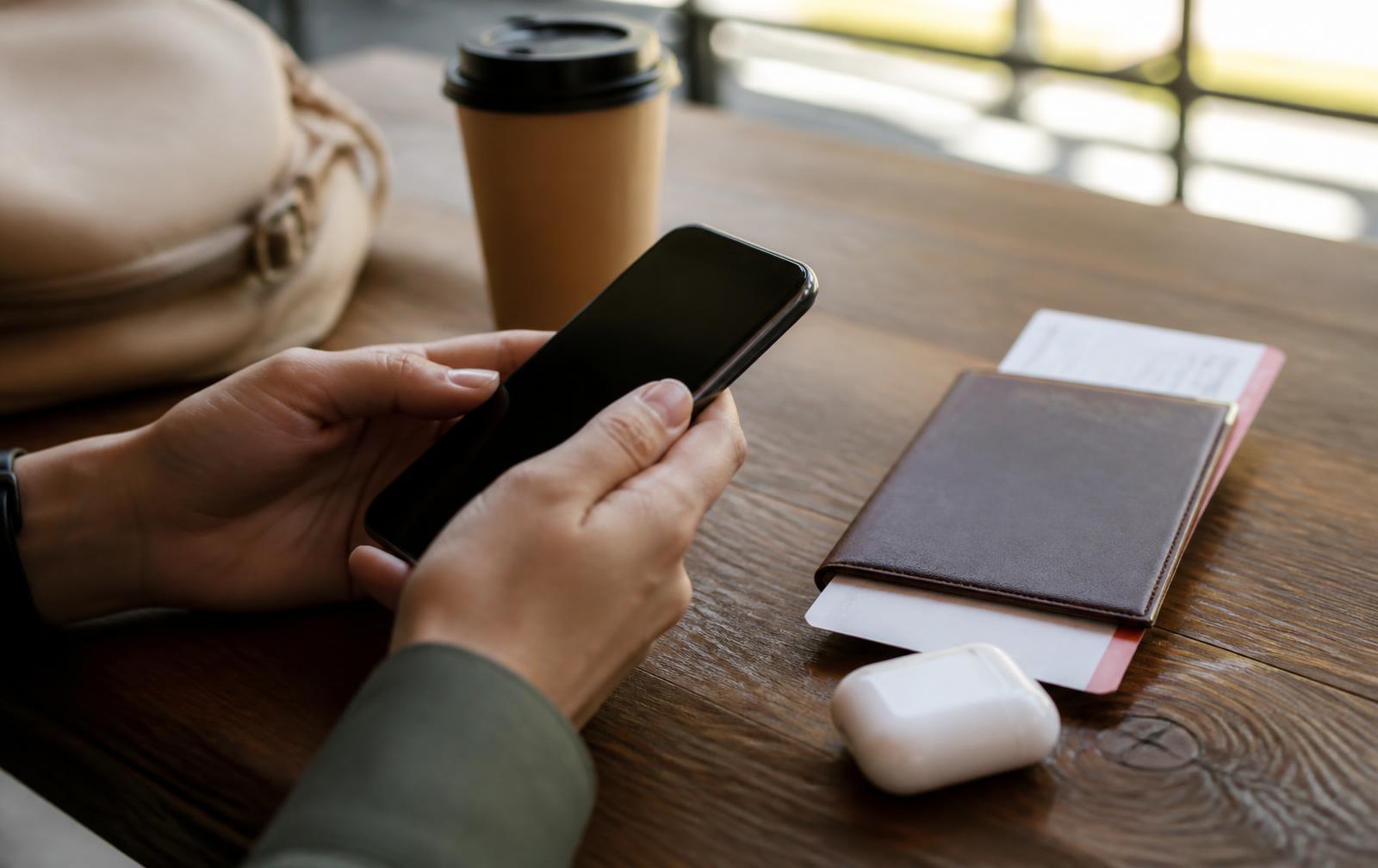
Parlivon is built for the phone you already carry. Scan the code below, then add it to your home screen so it opens full-screen like any other app.
- 1. Scan with your camera
Point your phone camera at the code, or type parlivon.com into your mobile browser.
- 2. Add to home screen
On iPhone tap Share then “Add to Home Screen”. On Android tap the menu then “Install app”.
- 3. Pair your earbuds
The in-app earbud check confirms each person hears the right language before you talk.
- 4. Download a phrasebook
Grab the languages for your trip while you still have Wi-Fi so they work with no signal.
What happens on the phone
Everything the app does day to day lives on your device.
Talk
Two people, one phone. Speak naturally and Parlivon voices the translation.
Point
Aim the camera at a menu, sign or label to read it in your language.
Offline
Downloaded phrasebooks, flashcards and audio keep working with no signal.
Prefer the browser?
Parlivon also runs in a mobile browser without installing anything — installing simply gives you a full-screen window, faster launches and reliable offline storage. Plans, purchases and downloads follow your account either way. See plans and pricing.
Machine translation can be imperfect. Parlivon is a travel and everyday communication aid — do not rely on it for medical, legal, financial or emergency decisions.
Parlivon travels on your phone
Translation happens on the device in your pocket — set it up in about a minute.